

Before you start
Be ready for audio collection to begin when you choose Live capture. The desktop app needs macOS permissions for microphone and system audio. You can check their status under Settings → App preferences. Only record material you’re allowed to capture. When other people are involved, make sure you have the permission needed to record them. Transcripts keep what was said, including names and other personal details.During the capture
- Choose Live capture in the desktop app’s header.
- Add a title and write notes in the capture panel. You can also choose a collection.
- Use Screenshot to keep an image, or Watch window to choose a window whose changing content you want to capture.
- Choose Pause when you want recording to stop temporarily. The status changes to Paused. Choose Resume to continue.
Finish and review
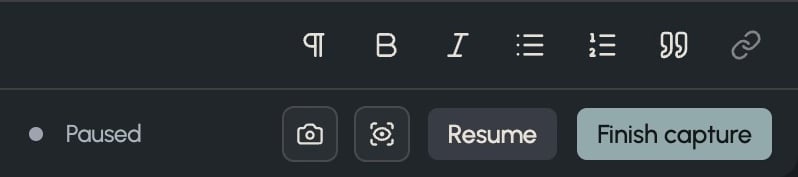
When paused, the capture controls offer Resume and Finish capture.